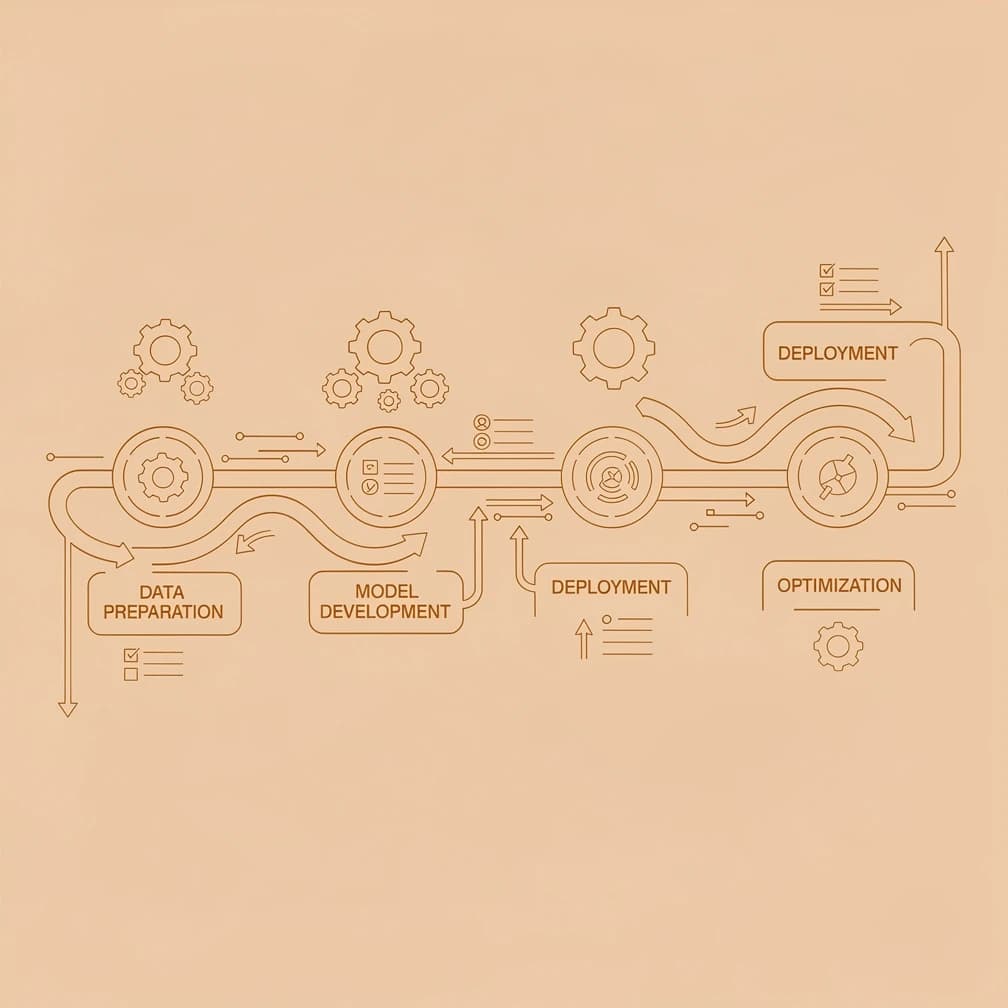
Most Australian SMB owners reach the same inflection point: you've seen what AI can do, you know your business needs it, and you have no idea where to start. The problem isn't access to tools — there are hundreds of them. The problem is sequencing. Businesses that jump straight to buying software without a clear use case and success metric waste months and thousands of dollars discovering that AI tools don't implement themselves.
This guide covers the seven-step process we use with clients at GrowthGear to go from "we should probably do something with AI" to a live, measurable AI workflow — in under four weeks, on a budget most SMBs can absorb.
Key Takeaways
- Audit your existing processes before choosing any AI tool — the right use case comes from your operations, not vendor demos
- Your first AI use case should be manual, high-frequency, and have a clear measurable success metric
- Most Australian SMBs can run a working AI pilot for $50-150/month with setup time under 10 hours
- According to McKinsey, businesses that pilot AI on a single workflow before scaling are significantly more likely to succeed than those attempting company-wide rollouts
- The 7-step framework below takes most SMBs from zero to a live AI process in under 28 days
Why Most AI Implementations Fail Before They Start
The most common AI implementation failure mode is skipping the planning phase entirely. Business owners see a compelling demo, subscribe to a tool, and try to integrate it into existing workflows without a defined problem statement or success metric. According to Gartner research, the majority of AI projects that fail do so not because of technical limitations but because of poor problem definition and misaligned business expectations — the technology works, but it's solving the wrong problem.
Three patterns cause most of these failures. First, choosing a use case based on what the tool can do, rather than what your business actually needs. Second, attempting to automate multiple processes simultaneously before proving value on one. Third, selecting tools without first quantifying the manual process they're replacing — which means you can't demonstrate ROI even when the tool is working. The seven-step approach below is designed to sidestep all three.
Step 1: Audit Your Processes Before Buying Anything
An AI implementation audit starts by listing every manual process your team performs that consumes more than two hours per week in total. You're looking for tasks that are repetitive, rule-based, and time-consuming — the ones where humans are essentially acting as manual processors rather than applying judgement. Group them into categories: data entry and transfer, customer communication, reporting and analytics, content creation, and scheduling or coordination.
For each process, note three things: how often it runs (daily, weekly, monthly), how long it takes each time, and who does it. This gives you a ranked list ordered by total weekly time cost. A process that takes 30 minutes and runs daily costs 2.5 hours per week — more than a one-hour weekly task. The AI readiness audit framework covers this mapping in detail, including a scoring template for automation potential.
Once you have your list, apply a simple filter: which of these processes are rule-based enough that a capable AI tool could follow them reliably? Quote generation, invoice chasing, meeting scheduling, social media drafting, customer FAQ responses, report formatting — these are strong candidates. Creative strategy, relationship management, and complex sales negotiation are not.
Step 2: Define What Success Looks Like Before Touching a Tool
For each candidate process, write down a specific, measurable success metric before you evaluate a single tool. "Save time" is not a success metric. "Reduce weekly quote preparation from 4 hours to under 45 minutes" is a target you can verify. "Eliminate 80% of manual data entry between our CRM and accounting software" is a target you can verify. Vague goals produce vague outcomes.
Useful success metrics typically fall into one of four categories: time saved per week, error rate reduction, turnaround speed improvement (for customer-facing processes), or cost reduction per unit. Write the baseline number down — what is the current state — and set a target threshold that would make the tool worth its monthly subscription cost. If a tool costs $80/month and saves your team 3 hours per week at an effective rate of $40/hour, you break even in under a week of saved time. That maths should be explicit before you start.
Step 3: Set a Realistic Implementation Budget
A realistic first-year AI budget for an Australian SMB involves three cost categories: tooling, setup time, and training. Tooling for a first AI implementation typically runs $50-200/month depending on which processes you're targeting — most SMB-grade AI tools are subscription-based and require no upfront licences. According to Deloitte Access Economics research on technology adoption in Australian small businesses, the businesses that see the fastest ROI are those that start with a single high-impact tool rather than bundled enterprise suites.
Setup time is often the overlooked cost. Connecting tools, configuring workflows, and testing edge cases typically takes 5-15 hours for a first implementation, depending on complexity. If you're doing this internally, account for that as staff time. Training — getting your team to actually use the new process — typically needs 1-2 hours of structured walkthrough. Budget for all three. The goal in year one is not transformation; it's proving ROI on a single workflow so you can justify and fund expansion.
Pro tip
Quick budget benchmark: A well-scoped first AI implementation — one workflow automated, one tool configured, team trained — should cost an Australian SMB under $500 in total (tooling + setup time) to reach a working state. If a vendor is quoting more than this for a first automation, ask hard questions about scope.
Step 4: Pick One Use Case and Own It Completely
Your first AI use case must meet three criteria: it's currently performed manually by a human, it happens at least once per week, and it has a clear input and output that an AI tool can reliably handle. These criteria deliberately exclude one-off tasks, highly variable tasks, and tasks where the quality is hard to verify. They're designed to give you a quick, measurable win.
The most common first use cases for Australian SMBs, in order of implementation success rate, are: automated customer inquiry responses (chatbot or email triage), document generation from templates (quotes, proposals, reports), meeting notes and action item extraction, social media content drafts from a brief, and data transfer between two existing software systems. The last one — connecting two tools that don't talk to each other — is often the highest-ROI starting point because the time savings are immediate and fully quantifiable.
AI workflow automation quick wins has a detailed breakdown of the top ten starting points for SMBs by industry, including estimated setup time and expected ROI for each. If you're unsure which of your candidate processes to start with, use that as a shortlist to match against your own audit.
Step 5: Choose Your Tools Based on the Use Case
Tool selection should follow use case definition, never precede it. Once you know exactly what you're automating, the tool selection process becomes a matching exercise rather than a features comparison. The primary evaluation criteria are: does it integrate with your existing software, how much technical setup does it require, what is the pricing model at your expected usage level, and does it have a free trial long enough to validate the use case.
| Use Case | Recommended Tool | Monthly Cost | Technical Skill Required |
|---|---|---|---|
| Workflow automation between apps | Zapier or Make.com | $20-50 | Low |
| Customer email triage | Intercom + AI or Front | $70-120 | Low |
| Document and proposal generation | PandaDoc + AI | $30-60 | Low |
| Meeting notes and follow-ups | Otter.ai or Fireflies | $15-25 | Very low |
| Social content drafting | Buffer + AI or Jasper | $30-60 | Low |
| Data entry and CRM updates | HubSpot AI or Zoho AI | $50-100 | Medium |
| Chat support on your website | Intercom or Tidio | $40-80 | Low |
For deeper technical AI use cases — custom model training, predictive analytics, complex data processing — the evaluation criteria are different. See the AI tools guide for small business for a current reviewed list across all categories. The AI Insights blog at ai.growthgear.com.au covers the technical evaluation framework in detail.
Step 6: Run a Structured 4-Week Pilot
A pilot is not a trial subscription. A pilot is a deliberate, time-boxed experiment with a defined hypothesis, a baseline measurement, and a go/no-go decision at the end. Set it up properly and you get reliable data. Run it casually and you get anecdotes.
Week one: configure the tool, connect it to your existing systems, and run it in parallel with the existing manual process. Don't replace the manual process yet — run both simultaneously and compare outputs. This lets you catch errors before they affect customers or internal operations. Week two and three: transition the process to the AI tool as the primary method, with manual review of outputs. Track time saved, error rate, and team adoption friction. Week four: full autonomous operation where the team uses the AI output directly. Record your final metrics against the baseline from Step 2.
At the end of week four, compare actual results against your success metric. If the tool hits or exceeds your target, you have a clear case to continue and potentially expand. If it misses, the data tells you why — wrong tool, wrong configuration, or a use case that genuinely doesn't suit automation. Either outcome is a good outcome; both give you actionable information.
Pro tip
Common mistake: Skipping the parallel-run phase in week one because it "doubles the work." Harvard Business Review research on digital process implementation consistently finds that parallel runs surface critical configuration issues that would otherwise reach live customers. The extra week of parallel operation is the cheapest quality control you'll find.
Step 7: Measure ROI, Document, and Decide on Scale
At the end of the pilot, calculate your actual ROI. Use this formula: (weekly time saved × effective hourly rate × 52) minus annual tool cost = annual net benefit. If your process saves 3 hours per week, the effective rate is $50/hour, and the tool costs $1,200 per year, the annual net benefit is $6,600 — a 5.5x return on the tool investment.
Document what worked, what configuration choices mattered, and what the team friction points were. This documentation is your implementation playbook for the next use case. Each successful pilot makes the next one faster to deploy — our clients at GrowthGear typically find their second implementation takes 40-60% less time than the first.
For service businesses specifically, the ROI framework for AI implementation provides a detailed calculator and benchmark data across professional services, trades, and retail categories. The AI implementation playbook guide extends this into a full multi-stage roadmap if you're ready to move beyond a single workflow.
Once you have one successful implementation, the expansion decision is straightforward: apply the same seven-step process to your second-highest-priority process from the original audit list. Do not try to implement multiple processes simultaneously. According to McKinsey research on AI scaling, organisations that sequence implementations one at a time achieve higher average ROI across their portfolio than those attempting parallel rollouts.
The 7-Step Implementation Framework at a Glance
| Step | Action | Timeframe | Output |
|---|---|---|---|
| 1. Audit | Map manual processes, rank by weekly time cost | 2-4 hours | Prioritised process list |
| 2. Define success | Write measurable metric for top 3 candidates | 1 hour | Baseline + target metric |
| 3. Budget | Calculate tool + setup + training cost | 1 hour | Budget approval |
| 4. Select use case | Apply the 3-criteria filter, pick one | 30 mins | Use case brief |
| 5. Select tool | Match tool to use case using evaluation criteria | 2-3 hours | Tool shortlist + selection |
| 6. Pilot | 4-week structured pilot with parallel run | 4 weeks | Pilot results vs. metric |
| 7. Measure + decide | Calculate ROI, document, plan next implementation | 2 hours | Go/no-go + next use case |
Where to Start This Week
The fastest path to your first working AI implementation is completing Step 1 — the process audit — this week. Block two hours, open a spreadsheet, and list every manual process your team runs that takes more than two hours weekly in total. You don't need to evaluate tools or make any decisions yet; just build the list.
If you want a structured template for the audit, the AI readiness assessment article has a downloadable scoring framework. Once implementation is underway, the 7 AI growth strategies guide shows how to turn your operational capability into revenue — covering everything from AI lead scoring and retention automation through to content at scale. For teams in professional services — accounting, legal, consulting — the professional services AI implementation guide on the GrowthGear Sales blog covers industry-specific starting points.
If you'd rather have someone else run the audit and shortlist your best use cases, that's exactly the kind of scoping work we do at GrowthGear through our AI Strategy & Implementation service — typically completed in a single half-day session that produces a prioritised implementation roadmap. Most clients walk away knowing exactly which tool to trial first and what success looks like. Reach out if you'd rather start there.
Frequently Asked Questions
A well-scoped first AI implementation — one process automated using one tool — takes most Australian SMBs 4 weeks from kickoff to live operation. The audit and planning phases (Steps 1-4) take 4-8 hours of effort. The pilot takes 4 weeks but runs largely in the background. Subsequent implementations typically take 2-3 weeks as the team builds familiarity with the process.
A first AI implementation for an Australian SMB typically costs $50-200/month in tooling plus 10-15 hours of internal setup time. Annual tooling spend for an SMB running 3-5 AI workflows commonly sits in the $2,000-8,000 range. According to Deloitte Access Economics, Australian businesses that adopt AI in phases rather than with large upfront commitments see faster break-even timelines.
The best first AI use case is the manual process in your business that consumes the most total weekly hours and has a clearly defined input and output. For most SMBs, this turns out to be document generation (quotes, proposals, reports), customer email triage, or data transfer between two software systems. Apply the three-criteria filter — manual, frequent, defined inputs/outputs — to your own process list to identify your best starting point.
You can implement AI in your business without any technical skills by starting with no-code workflow automation tools like Zapier or Make.com, which use visual interfaces to connect your existing software. Most SMB-grade AI tools are designed for non-technical users and include step-by-step setup guides. If you run into configuration complexity, a 2-hour session with an AI implementation consultant can resolve most setup issues.
The biggest implementation risk is choosing a use case with no defined success metric — which means you can't demonstrate value even when the tool is working correctly. The second-biggest risk is attempting to automate too many processes simultaneously before proving ROI on one. Both risks are eliminated by following the seven-step sequenced approach and completing a formal process audit before selecting any tools.
No. A single automated workflow — one process, one tool — can deliver measurable ROI without any company-wide rollout. Most successful AI adopters start with one high-value process, prove the return, and expand from there. According to McKinsey research on AI adoption, sequenced single-workflow pilots consistently outperform broad enterprise rollouts in terms of ROI and team adoption rates.
Run a four-week structured pilot before committing to an annual subscription. Define your success metric upfront (Step 2 in the framework above), run the tool in parallel with your existing manual process for week one, then transition to the AI tool as primary in weeks two through four. Compare actual results against your target at the end of week four. The pilot data tells you whether the tool is right — not the vendor demo.
For a broader view of how AI fits into the full digital transformation picture for Australian businesses — including where AI adoption sits nationally, what returns businesses are seeing in Year 1, and how the four phases connect to your long-term tech stack — see our guide on AI-led digital transformation for Australian small businesses.
If you've run into problems partway through an implementation — stalled adoption, unexpected integration issues, or team pushback — our guide to AI implementation challenges for small business covers the 7 most common failure patterns and exactly how to recover from each one.
Sources & References
- Gartner — Research on AI project failure modes attributing the majority of failures to poor problem definition rather than technical limitations (2025)
- McKinsey & Company — "The State of AI" report finding that sequenced single-workflow pilots outperform broad enterprise AI rollouts in ROI and adoption outcomes (2025)
- Deloitte Access Economics — Research on Australian SMB technology adoption showing phased AI investment delivers faster break-even than large upfront commitments (2025)
- Harvard Business Review — Research on digital process implementation finding that parallel-run testing phases consistently surface critical configuration issues before live deployment (2024)